
What does a car code reader do?
A code reader translates information from your car’s computer into readable codes. When the engine control unit detects certain problems, the computer stores a fault code and sometimes turns on the engine light.
What should you check before using an OBD II scanner?
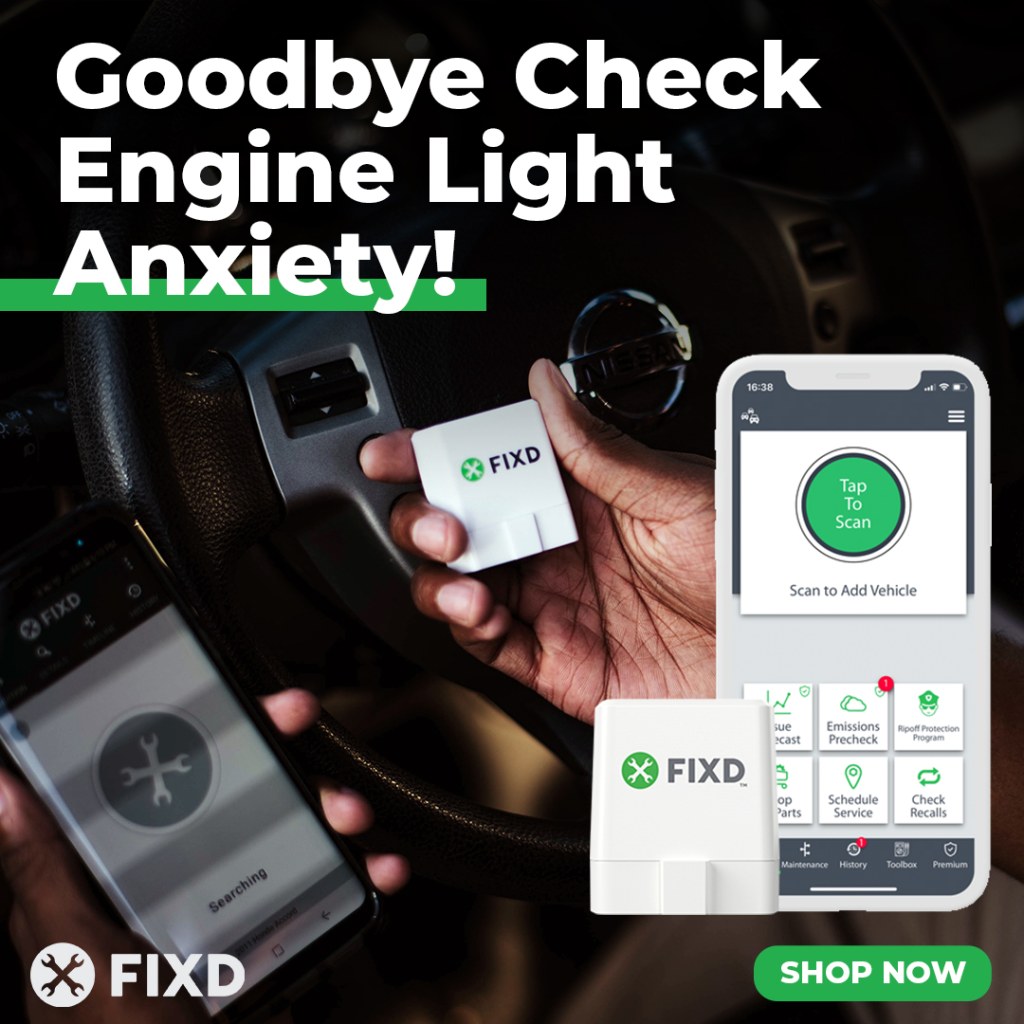
Check your vehicle symptoms, then use the FIXD OBD2 scanner and app to understand the results. FIXD explains the detected issue, its severity, and the potential damage from continued driving in plain English. Always consider the scan results alongside your symptoms and owner’s manual.
A flashing check engine light suggests a potentially damaging misfire. Reduce speed, avoid hard acceleration, and arrange immediate service. If flashing accompanies severe shaking or power loss, pull over safely, shut off the engine, and arrange a tow.
Stop for overheating, low oil pressure, smoke, a strong fuel smell, or changes in braking or steering. Follow your owner’s manual. A solid light with normal operation still needs prompt diagnosis.
Will an OBD II scanner work with your car?
Most U.S.-market gasoline passenger cars and light trucks from model year 1996 onward support OBD II. Their diagnostic port uses a standardized 16-pin connector, beneath the driver’s side dashboard. Use FIXD’s OBD2 port location guide to find a hidden connector.
Check the exact year, make, model, engine, and market before buying an OBD2 scanner. Imports, diesels, electric cars, and newer vehicles need closer verification. A matching connector alone does not prove compatibility.
Your OBD II scanner must support the communication protocols used by your car. Broad protocol support helps when sharing tools across multiple cars. Access to manufacturer-specific systems requires additional coverage beyond generic OBD II support on most vehicles.
Code reader vs scan tool and diagnostic tool
A basic code reader handles straightforward code retrieval. A scan tool usually provides more detail, although sellers use these labels inconsistently. Read the feature list before choosing vehicle diagnostic tools.
Tool type | Typical capabilities | Main limitation |
Basic code reader | Retrieves and clears supported engine codes | Limited explanations and system coverage |
Consumer OBD2 scanner | Adds explanations, supported live readings, or scan history | Features vary by hardware and software |
Professional scan tool | Adds supported module access, service procedures, and active tests | Requires training and exact compatibility checks |
A professional diagnostic tool suits mechanics who work across several vehicle systems. Beginners often benefit more from clear explanations and simple menus. The number of advertised functions matters less than whether you understand the results.
How do you use an OBD2 scanner step by step?
Use your scanner’s instructions alongside your owner’s manual. Some tools retrieve codes with the ignition on and engine off. Others require the engine running. Follow the procedure for your diagnostic tool rather than assuming every scan tool works identically.
1. Park safely and locate the port
Park on level ground, select Park or neutral as appropriate, and apply the parking brake. Turn the ignition off before connecting unless the instructions specify otherwise. Locate the diagnostic connector without removing unrelated wiring.

Keep cables away from pedals, fans, belts, and hot surfaces. Never run your car in a garage or another enclosed space. If live readings require a running engine, work outdoors. Do not operate a screen while driving.
2. Plug in the diagnostic tool
Align the connector and plug the reader firmly into the port. Do not force bent pins or a connector facing the wrong direction. Handheld scanners often draw power from the port and display instructions on their own screen.
For a Bluetooth OBD2 scanner, install the matching app on your smartphone. Confirm current iOS or Android requirements and grant the permissions needed for connection. An app without compatible hardware does not read your car’s diagnostic connector.
3. Connect and start the scan
Follow the requested ignition sequence. Open the scanning function. Enter or confirm your vehicle identification details, then select the code-reading function. Wireless tools often connect inside the app rather than through your phone’s Bluetooth settings.
For FIXD, follow the sensor setup guide. Wait for the scan to finish before removing the diagnostic tool. Scan speed varies with the connection, supported systems, and software. A quick result is useful, but speed does not measure diagnostic accuracy.
4. Record codes and symptoms
Save every displayed code, its status, and the description before clearing anything. Note mileage, recent work, unusual sounds, and whether symptoms appear during startup, idle, or acceleration.

Record pending and confirmed fault codes separately when your scan tool displays both. Pending codes indicate a detected condition which has not necessarily met confirmation criteria. Permanent codes, where supported, follow different clearing rules and persist until the onboard system verifies the relevant problem is resolved.
5. Review live data and freeze frame information
Live data shows supported readings as conditions change. Freeze-frame data captures selected operating conditions when a fault was recorded. These features help explain whether a problem appeared at idle, under load, or after warmup.
Use the vehicle manufacturer’s specifications to interpret readings. An unusual number does not automatically prove a sensor failed. A diagnostic tool reports available information, while a technician checks whether the reading matches actual operating conditions.
6. Test the suspected cause and verify the result
Research the code for your exact car before buying parts. Start with safe visual checks, such as loose connectors, when the service procedure calls for them. Leave hot, pressurized, high-voltage, and safety-critical systems to qualified mechanics.
After the confirmed repair, clear supported codes if instructed and rescan. Verify normal operation using the manufacturer’s procedure. A returning code needs further investigation. Erasing a warning alone does not correct the underlying problem.
How do you read car diagnostic trouble codes?
Standard OBD II trouble codes use five characters, such as P0300. The first letter identifies the category: P for powertrain, B for body, C for chassis, and U for network communication. Basic tools do not necessarily access every code category.
The second character helps distinguish standardized codes from manufacturer-controlled assignments, with exceptions across code families. Use a trusted reference for the complete code instead of interpreting one digit in isolation.
For example, P0300 indicates random or multiple-cylinder misfires. The code does not establish whether ignition, fuel delivery, compression, or another issue caused the misfire. Test before replacing parts. The code narrows the search, but diagnosis confirms the repair.
Which systems do scanners access beyond the engine?
Enhanced scanners access systems beyond the engine, depending on compatibility. These include transmission, anti-lock braking systems, or ABS, and supplemental restraint systems, or SRS. SRS includes airbags and related components. Generic OBD2 support does not guarantee access to every system.
FIXD reads advanced transmission and ABS codes for select car makes. Check the regularly updated FIXD FAQ for current supported makes and coverage details before scanning.
Professional mechanics use specialized diagnostic tools for advanced functions such as bidirectional control, active testing, and ECU coding. These functions command supported components, check their response, or change control-module configurations. Reading advanced codes does not automatically include these capabilities.
How much does a vehicle code reader cost?
The purchase price depends on coverage, hardware, software, and support. As of October 2026, FIXD’s sensor’s retail price is $59.99. Promotional checkout prices vary. The free app supports code reading, clearing supported codes, and issue severity without requiring Premium. Compare the total cost before you buy an OBD2 scanner.
For infrequent scans, paying for professional diagnosis sometimes offers better value than buying advanced tools. A reader becomes a worthwhile investment when repeated use helps you understand issues and prepare better questions. No diagnostic tool guarantees lower repair costs or a fixed dollar saving.
What is the difference between cheap and expensive scanners?
Higher-priced scanners usually charge for broader coverage, additional functions, hardware, or support. The price alone does not prove a diagnostic tool is suitable for your car.
Compare these details before buying:
- Supported systems for your exact year and model, including ABS if needed.
- Code explanations, scan history, and supported sensor readings.
- iOS or Android compatibility for app-based tools.
- Software updates, warranty, customer support, and ongoing fees.
Tools engineered for professional workflows often exceed everyday needs. Enthusiasts getting deeply involved in vehicle diagnostics should verify specific procedures before upgrading. Choose an OBD2 scanner designed for the job. Experienced enthusiasts need tools supporting their planned procedures.
Which car code reader should you choose?
Choose a reader based on the question you need answered. Basic diagnostic tools suit code retrieval. A consumer diagnostic tool with readable explanations suits drivers who want more context. Specialized diagnostic tools fit advanced work across multiple control systems.
The FIXD OBD2 scanner pairs with the FIXD OBD2 scanner app to translate supported engine codes and explain severity, and is recommended for most DIY car repairers.
Compare FIXD’s guides to OBD2 apps and OBD2 scanners for additional selection criteria. Vehicle maintenance reminders help maintain routine care, but scan tools do not replace scheduled vehicle service or a trusted technician’s inspection.
Clearing codes does not fix an emissions problem or guarantee a passing smog check. Clearing information or disconnecting the battery also resets readiness monitors, which track whether onboard self-checks have completed.
After repairs, follow the manufacturer’s drive-cycle instructions and check readiness. There is no universal mileage which guarantees completion. Local emissions testing rules determine the allowed incomplete monitors. California also checks applicable permanent codes. Consult the inspection program before scheduling a retest.
No codes means the scan tool found none within its supported vehicle coverage. Mechanical wear, intermittent symptoms, and problems in inaccessible systems still deserve attention. A clear scan does not certify a healthy car.
If the diagnostic tool will not connect, check the ignition state, connector seating, app permissions, and compatibility. Follow the manual for checking diagnostic-port power and fuses. Do not bridge pins or bypass electrical protection. Persistent connection problems need qualified inspection.
No. Some auto-parts stores offer a free code-reading service. Ask your local store whether staff scan the car or lend equipment, since service availability and lending policies differ. A free scan retrieves information rather than providing a complete diagnosis.
Before paying for work, bring your saved vehicle codes and symptom notes to a qualified technician. Ask which test confirmed the proposed fix and what the estimate includes. This reduces guesswork and gives you a clear next action.